How-to Guides
This guide walks you through the core workflows of the Nest Easy dashboard. It is designed to help the client understand exactly how users navigate the fully integrated API.
1. Reporting & Tracking Maintenance
Tenants can easily report issues (e.g., Boiler Breakdowns or Roof Tile Slippage) directly from their dashboard. Property Managers and Administrators can then assign these to designated Contractors.
- Navigate to the Maintenance tab on the left sidebar.
- Click the New Request button.
- Fill out the Title, Description, and select an Urgency level (Low to Emergency).
- Once submitted, the ticket is instantly saved to the database and appears in the Open queue.
Did you know? In our populated database, there are already 10 realistic maintenance scenarios generated specifically for the Nest Easy portfolio.
2. Managing Compliance Documents
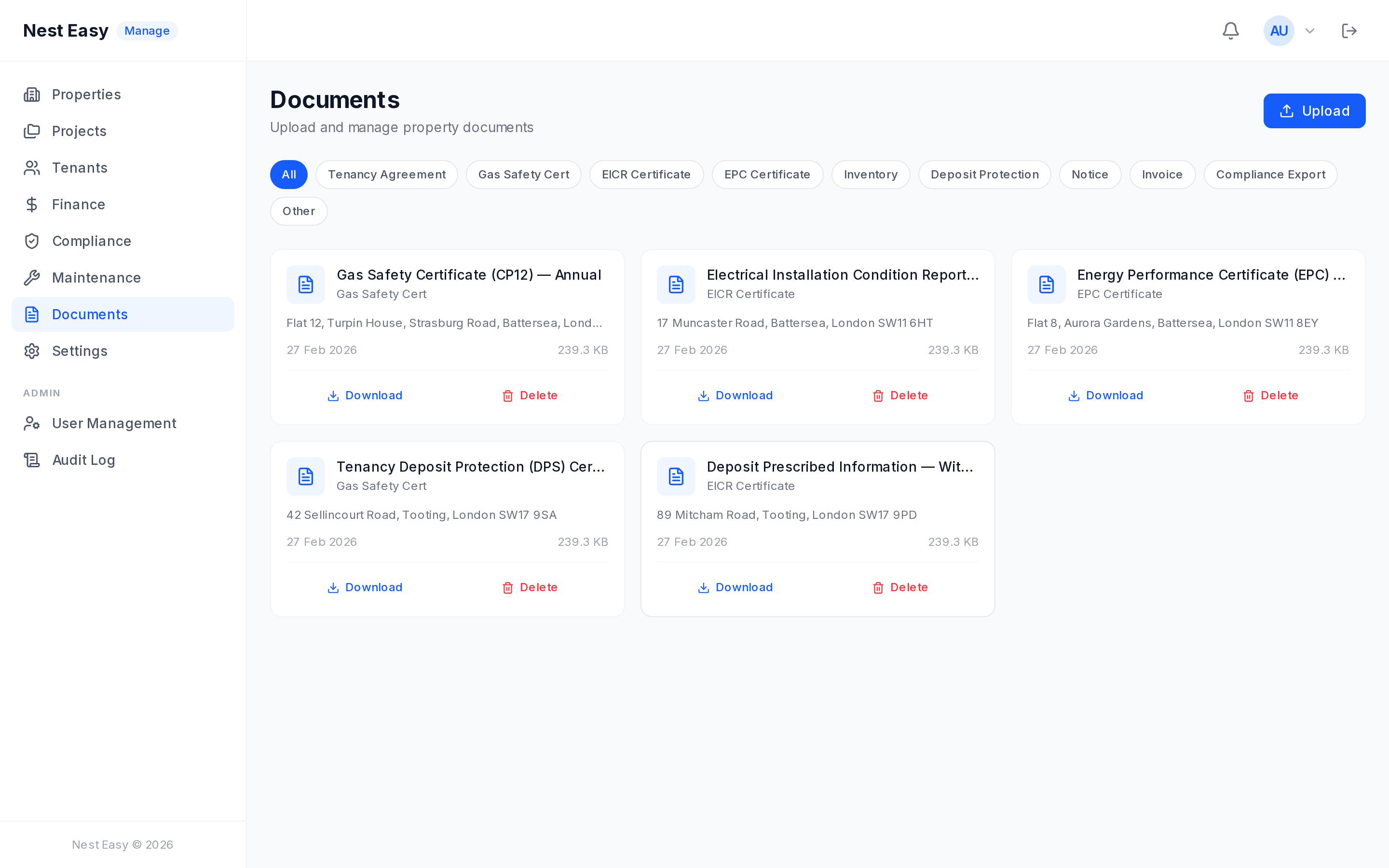
Nest Easy Survey requires rigorous documentation. Safely store and link EICR, Gas Safety, and EPC certificates directly to specific properties.
- Navigate to the Documents tab.
- Drag and drop your PDF certificates into the upload area.
- The file is securely transmitted to MinIO (our S3-compatible vault).
- Select the target address from the dropdown to automatically map the document to a specific building profile.
3. Reviewing Property Portfolios
Property Managers and Landlords can view their designated portfolios, current active rents, and deposit protections all from the Properties tab.
The dashboard fetches Live data directly from the newly seeded PostgreSQL database. If you add a new property, the statistics cards at the top of the dashboard recalculate instantly via the NestJS API!